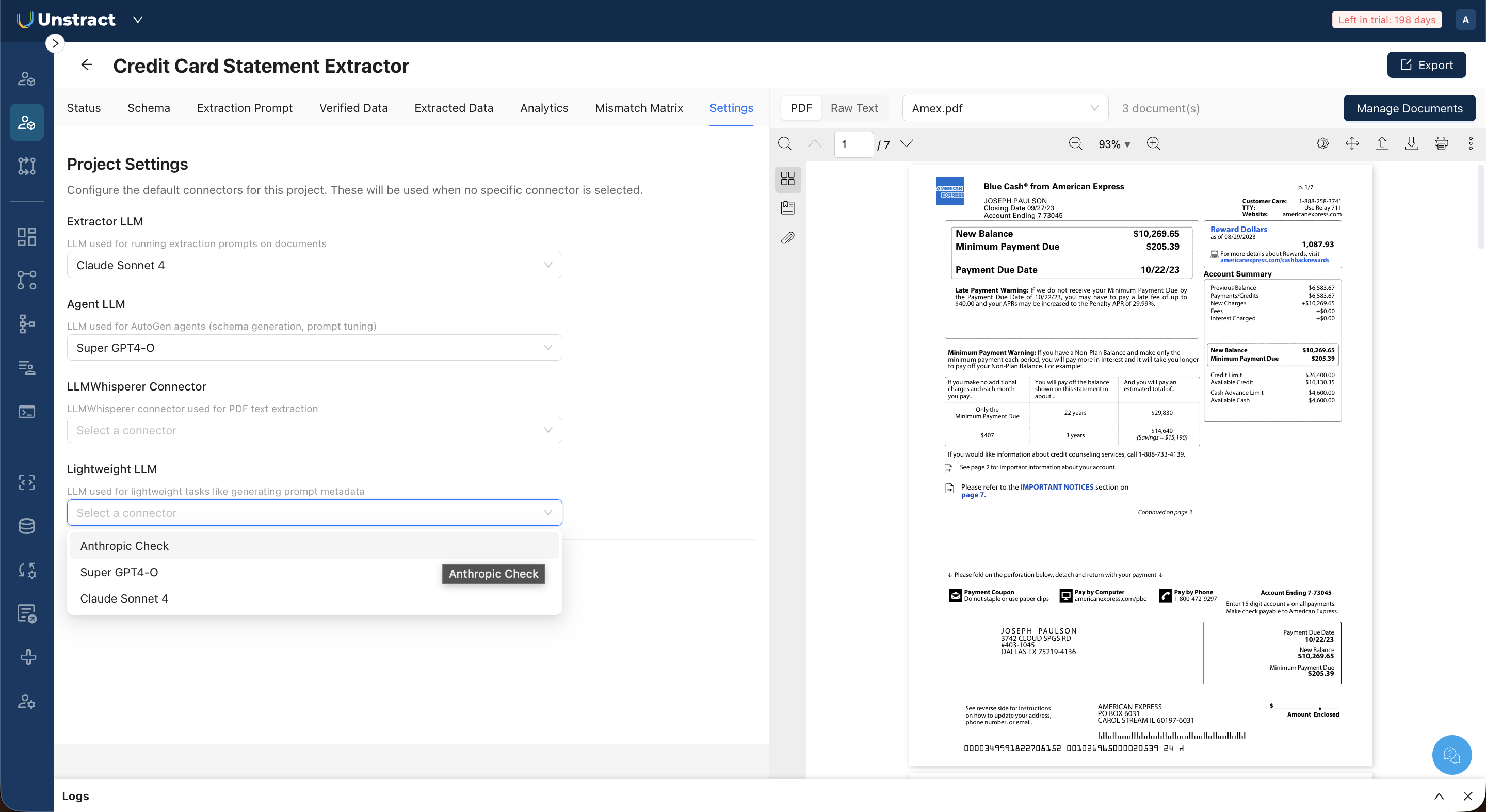
Configure Project Settings
Open the Settings tab to configure the LLM connectors used by your project. There are 4 connector slots, each serving a different role.
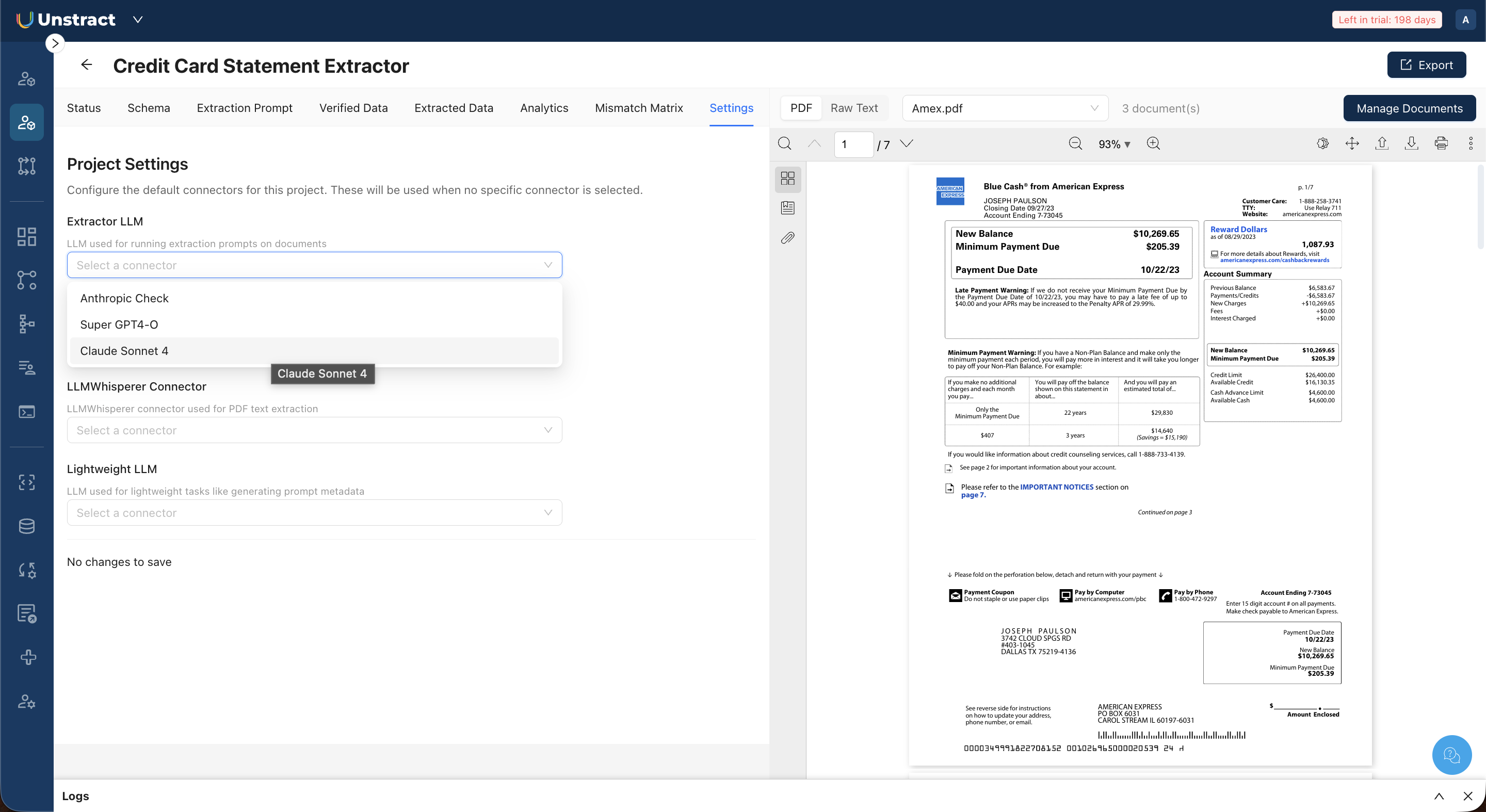
Extractor LLM
The model used for running extraction prompts against documents. This is the model that performs the actual data extraction.
Select any configured connector from the dropdown.
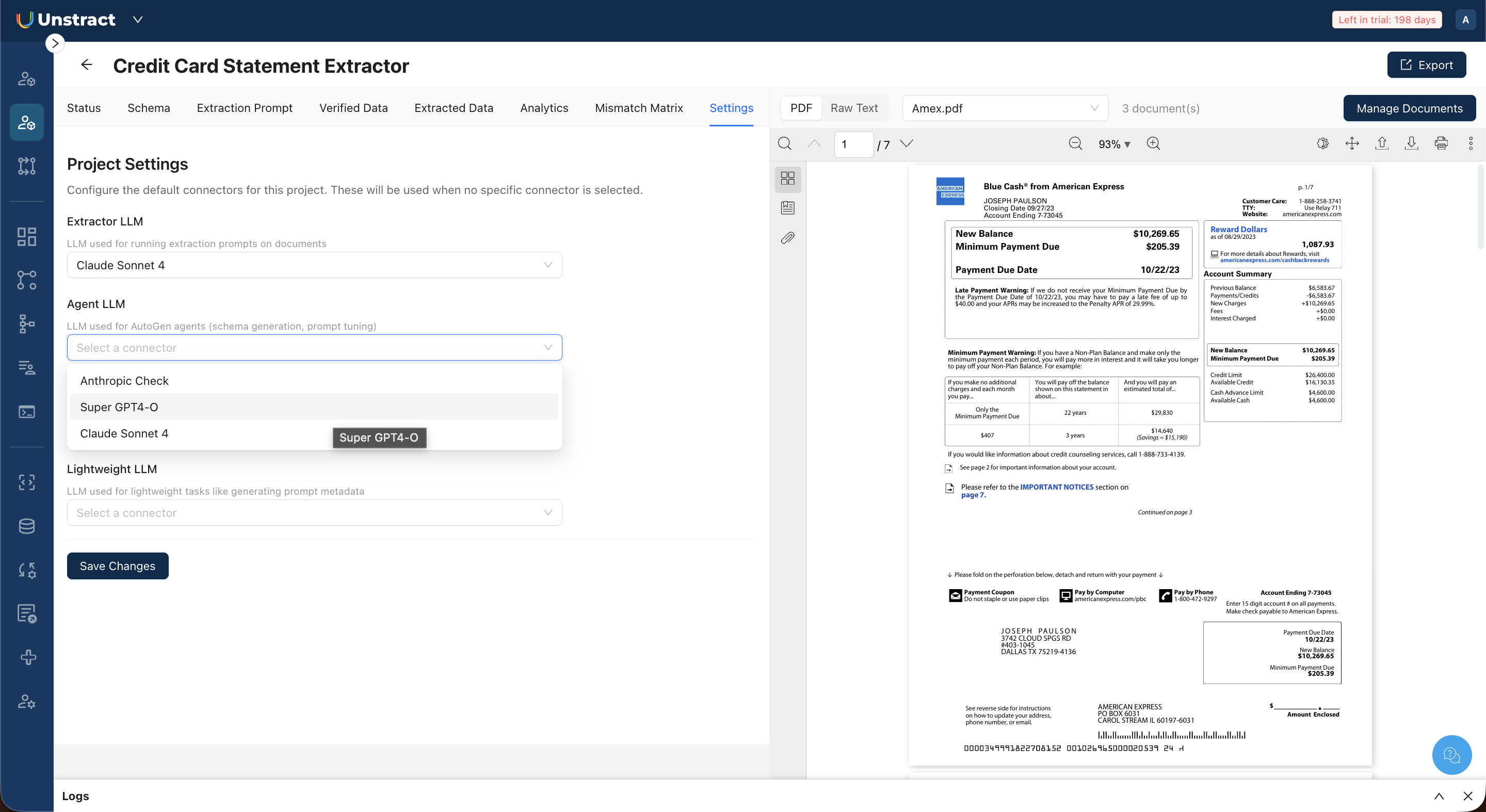
Agent LLM
This is the LLM used for schema generation and prompt generation.
This model powers the SummarizerAgent, UniformerAgent, FinalizerAgent, PatternMinerAgent, PromptArchitectAgent, and CriticDryRunner.
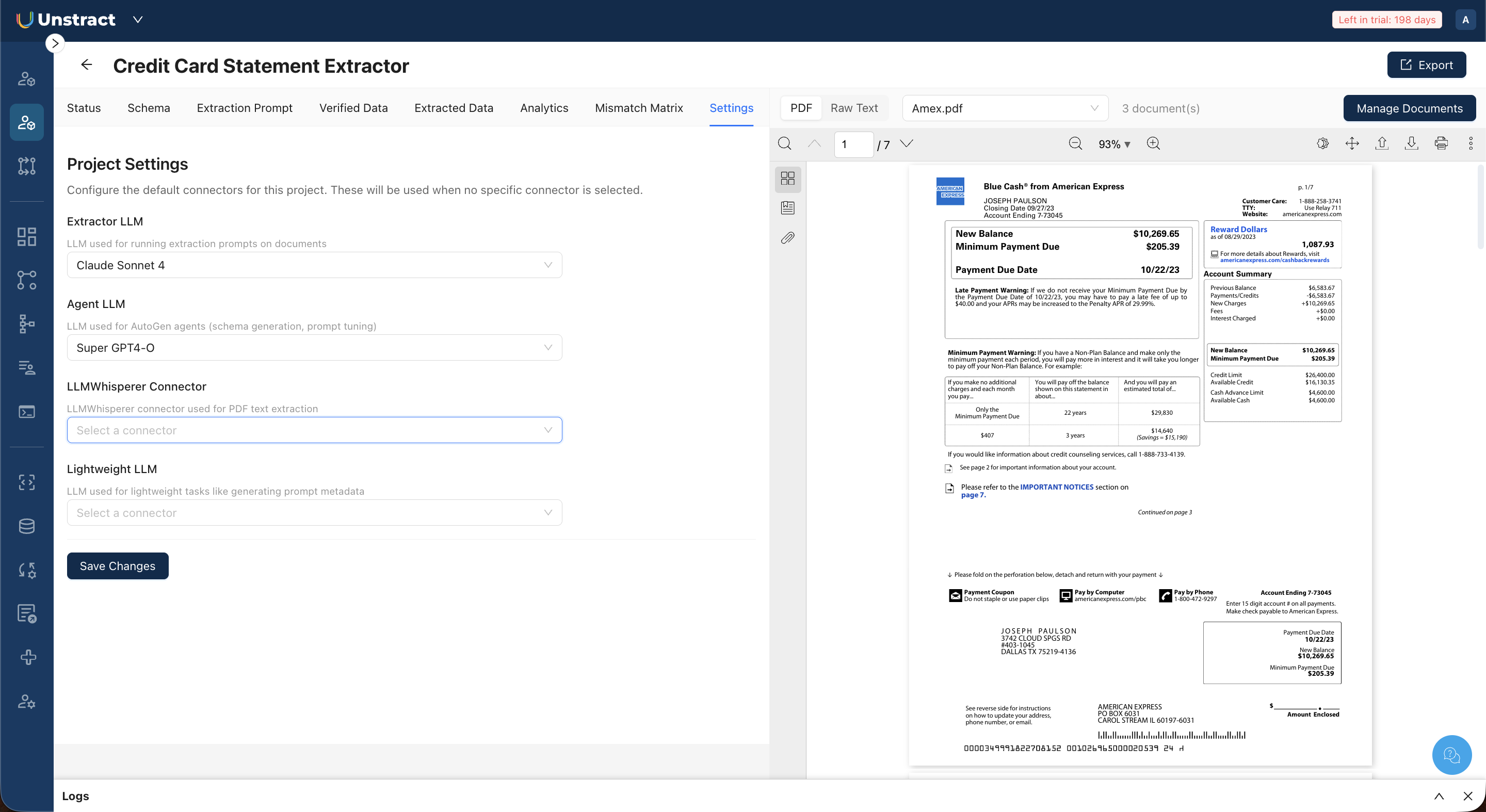
LLMWhisperer Connector
The connector used for PDF text extraction. LLMWhisperer converts your PDF documents into structured raw text with line-level metadata, which the agents and extraction prompts use as input.
Lightweight LLM
An LLM used for lightweight tasks like generating prompt metadata (descriptions, labels). This can be a smaller, less expensive model since it handles simpler tasks.
After making changes, click Save Changes to apply.