Verified Data
Verified data is the manually confirmed, known-correct extraction output for each document. It serves as the accuracy baseline that all extraction results are measured against. You need verified data in place before accuracy tracking becomes meaningful.
Creating Verified Data
There are two ways to create verified data for a document:
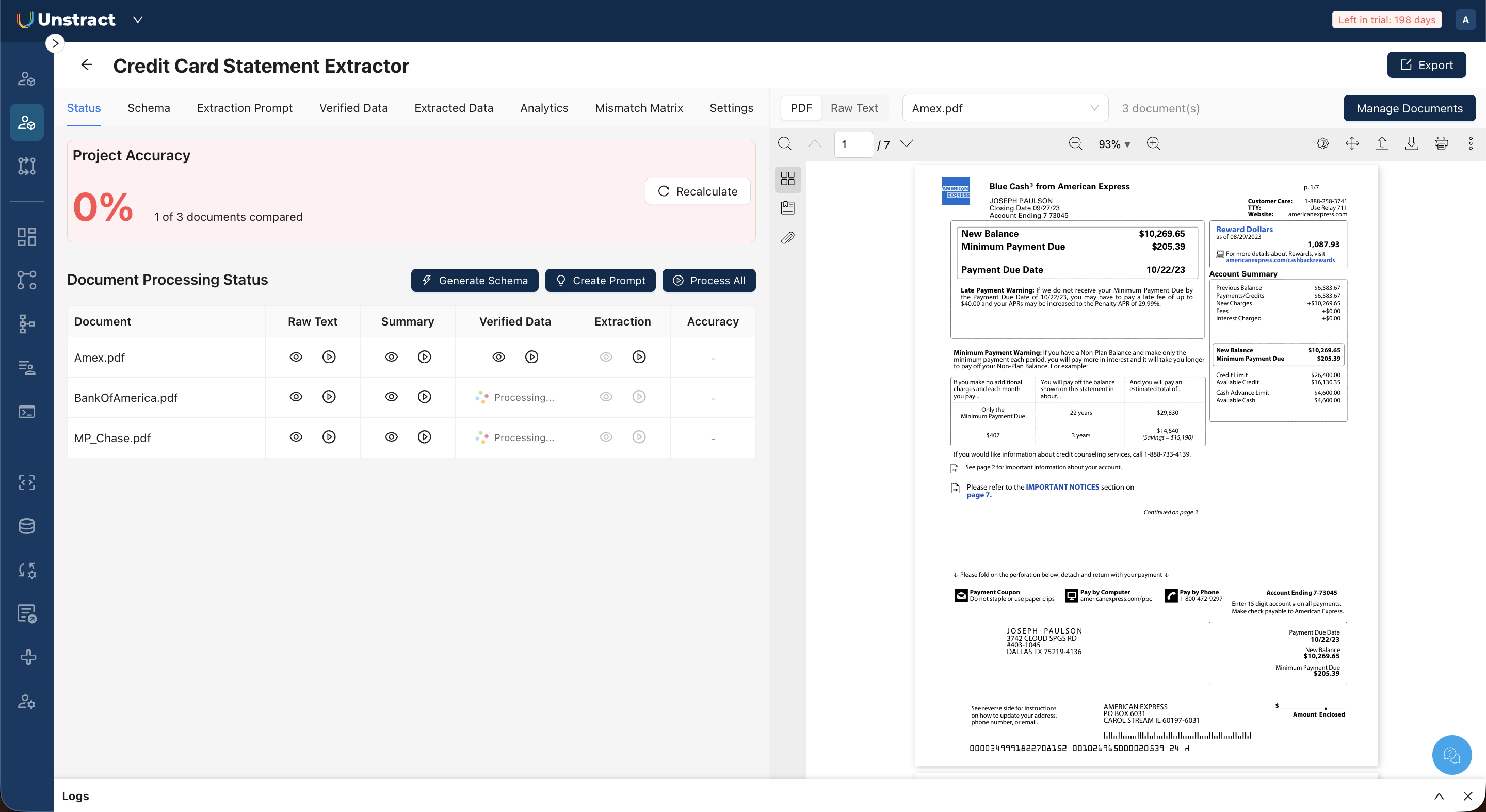
Manual entry. Open the Verified Data tab, click Edit, and enter or paste the correct JSON for the currently selected document. Click Save when finished.
Promote from extracted data. If you have already run an extraction and the output is correct for a given document, you can promote it directly to verified data instead of typing it manually. This workflow is described in Run Extraction.
Viewing Verified Data
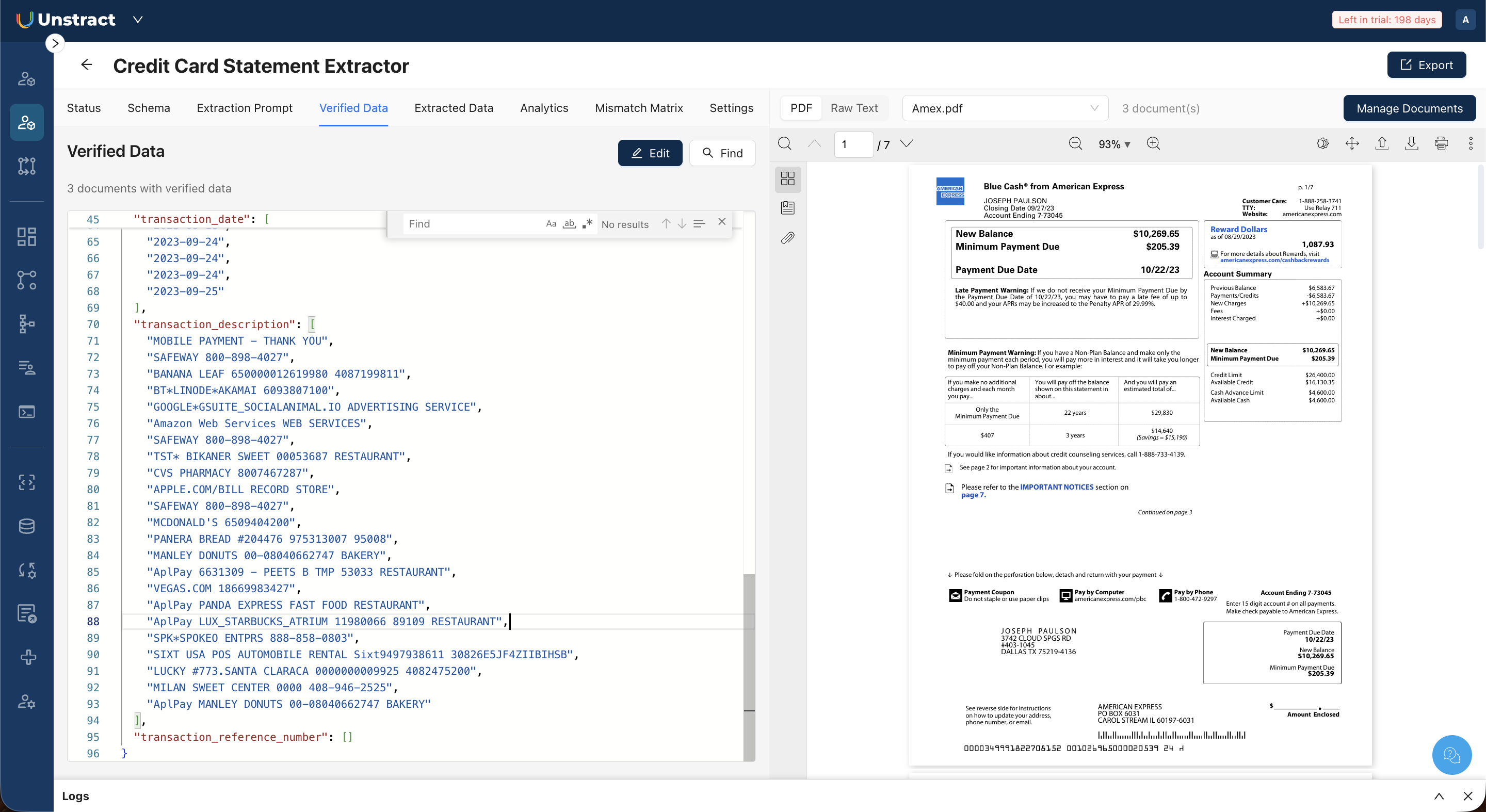 Open the Verified Data tab to see the verified JSON for the currently selected document, displayed in a code editor alongside the PDF preview. Click Find to search within the JSON.
Editing Verified Data
- Click Edit in the Verified Data toolbar.
- Modify the JSON in the code editor. The editor supports find/replace, case-sensitive search, and regex matching.
- Click Save to apply changes, or Cancel to discard.